Skip to content
QuickBooks Memorized Transactions

quickbooks Memorized Transactions Not Automatically Entering [FIXED]

Filling out invoices and typing out information can be a challenging task, especially if the invoices are lengthy. quickbooks helps you eliminate repetitive data entry by creating memorized transactions. Memorized transactions are the templates that contain most of the information to repeat a transaction at a specific interval, saving your time and efforts. “quickbooks memorized transactions not automatically entering” is one of the most inquired queries by quickbooks users. In this article, we will put together some tips that will help you get the memorized transactions to automatically enter in quickbooks, along with the reasons that lead to errors while entering memorized transactions in quickbooks Desktop.

Call Accounting Helpline Customer Service Number 1.855.738.2784 for Help if, quickbooks is Unable to Automatically Enter the Memorized Transactions

Read More »quickbooks Memorized Transactions Not Automatically Entering [FIXED]

Google’s Data Policy Update Warning for QuickBooks

Google’s Data Policy Update Warning for quickbooks Desktop – Explained

quickbooks Desktop users have recently received a notification from Google about the update in Google’s data policy requirements. As per the notification, “quickbooks Desktop may no longer be able to access some data in your Google account, including your Gmail content.“ from July 15th, 2019. If you have also received the same email and have no clue what to do next, then follow the article until the end for detailed information.

Contact Accounting Helpline Support Number 1.855.738.2784 for Help and Assistance Related to your query.

Read More »Google’s Data Policy Update Warning for quickbooks Desktop – Explained
QuickBooks Inventory Adjustment

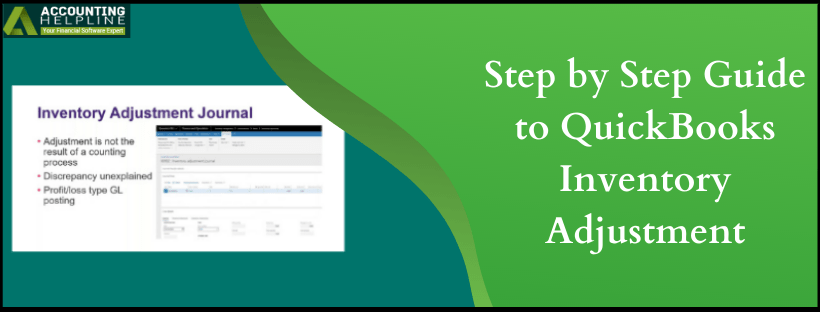
Step by Step Guide to quickbooks Inventory Adjustment

To estimate a company’s profit, it is crucial to precisely count and value the inventory at the end of each accounting period. Sometimes you might need to adjust the cost and quantity of the inventory items without creating any sales in the transactions, and this need evolves because of several reasons like damaged inventory, internal consumption, or lost/stolen inventory items. quickbooks does not automatically record inventory adjustment, and you need to manually record the adjustments in the application. For a thorough description on how to adjust inventory in quickbooks Online follow the complete article until the end.

Need Help Adjusting Inventory in quickbooks Online? Call Accounting Helpline Support Number 1.855.738.2784

Read More »Step by Step Guide to quickbooks Inventory Adjustment