Xero Running Slow! Solutions Simply Answered
Last Updated on March 12, 2025 Xero running slow is a common query searched by the users of Xero accounting software on any search engine.… Read More »Xero Running Slow! Solutions Simply Answered
Last Updated on March 11, 2025 Quicken is an excellent choice to carry out your nominal accounting functions as it offers plenty of features. However,… Read More »Quicken Can’t Open your Data File! [2021 Tutorial]
Last Updated on March 12, 2025
Sometimes you might want to clone your hard drive that has QuickBooks installed on it, and there could be numerous reasons for doing this. Most of the QuickBooks users clone their hard drive to switch to a different machine with better performance, but as like other operations that a QuickBooks user performs, this can also trigger errors. In this article, we are going to discuss one of the post-cloning error that QuickBooks encounters which is also known as “QuickBooks License Error after Clone”. For complete and detailed troubleshooting instructions follow the complete article until the end.
Are you struggling with QuickBooks License Errors? Call Accounting Helpline’s Error Support Number 1.855.738.2784 for immediate troubleshooting guidance
Read More »Fix QuickBooks License Error after Clone [2021 Tutorial]
Edward Martin is a Technical Content Writer for our leading Accounting firm. He has over 10 years of experience in QuickBooks and Xero. He has also worked with Sage, FreshBooks, and many other software platforms. Edward’s passion for clarity, accuracy, and innovation is evident in his writing. He is well versed in how to simplify complex technical concepts and turn them into easy-to-understand content for our readers.

Last Updated on March 11, 2025
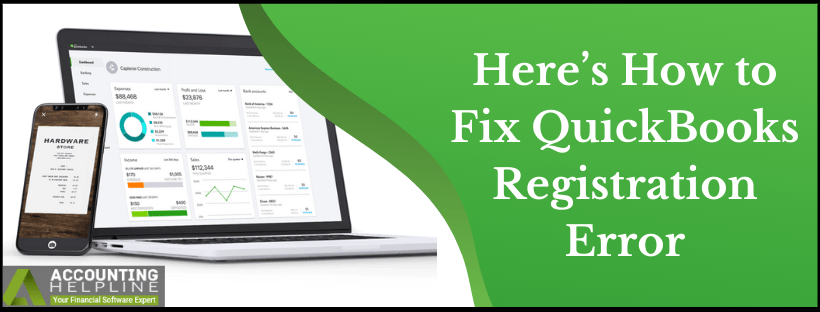
A user might encounter several errors on their way to register or activate QuickBooks Desktop on Windows. “QuickBooks registration error” or “QuickBooks activation not working” error message mostly appears because of incorrect QuickBooks license information. Most of the times counter checking the license number and product code received online or offline resolves the error, but in case if you are getting error messages like “We’re sorry, but your activation was interrupted” or “The validation code is incorrect” or “This service is temporarily unavailable” then additional troubleshooting is required to resolve the issue. Follow the complete article until the end and learn how to fix QuickBooks registration error with easy to follow troubleshooting steps.
Are you Unable to Activate QuickBooks Desktop? Call Accounting Helpline’s Desktop Support at 1.855.738.2784 for Immediate AssistanceRead More »Here’s How to Fix QuickBooks Registration Error

Edward Martin is a Technical Content Writer for our leading Accounting firm. He has over 10 years of experience in QuickBooks and Xero. He has also worked with Sage, FreshBooks, and many other software platforms. Edward’s passion for clarity, accuracy, and innovation is evident in his writing. He is well versed in how to simplify complex technical concepts and turn them into easy-to-understand content for our readers.
Last Updated on March 12, 2025
Nearly 30% of small business owner’s overpay their taxes every year to the state and federal tax authorities either because of the incorrect tax payment calculation or because of the fear of getting penalties from the IRS. If you are an employer who has overpaid payroll tax liabilities using QuickBooks, then you might want to get the overpaid amount credited as your payroll tax liabilities and get this over payment adjusted in QuickBooks Company file. This article clarifies every step on how to adjust payroll liabilities in QuickBooks and getting it as a credit to payroll tax liabilities.
If you have any Questions or Need Help Adjusting Payroll Liabilities, then Connect with our Accounting Helpline’s Payroll Experts at 1.855.738.2784
Read More »How to Adjust Payroll Liabilities in QuickBooks [Explained]
Edward Martin is a Technical Content Writer for our leading Accounting firm. He has over 10 years of experience in QuickBooks and Xero. He has also worked with Sage, FreshBooks, and many other software platforms. Edward’s passion for clarity, accuracy, and innovation is evident in his writing. He is well versed in how to simplify complex technical concepts and turn them into easy-to-understand content for our readers.